What it does
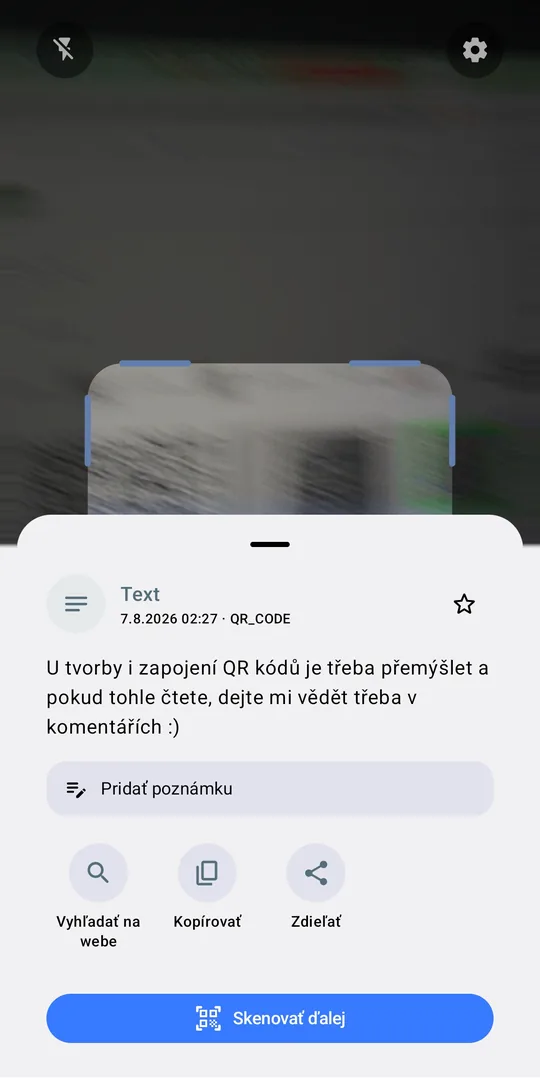
Everything you expect from a scanner, plus a few things you will not find elsewhere.
Link checking
Highlights the domain before opening and warns when an address pretends to be something else.
Zoom and focus
Pinch to zoom in on a distant code, tap to focus right on it.
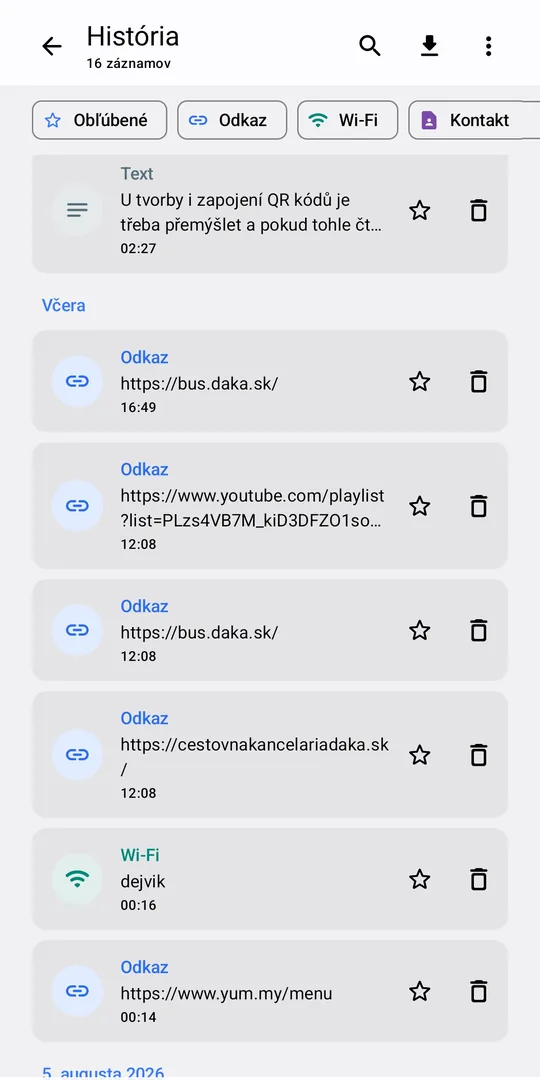
A useful history
Search, filters, favourites, your own notes and CSV export.
Understands content
Joins Wi-Fi, saves business cards to contacts and events to the calendar.
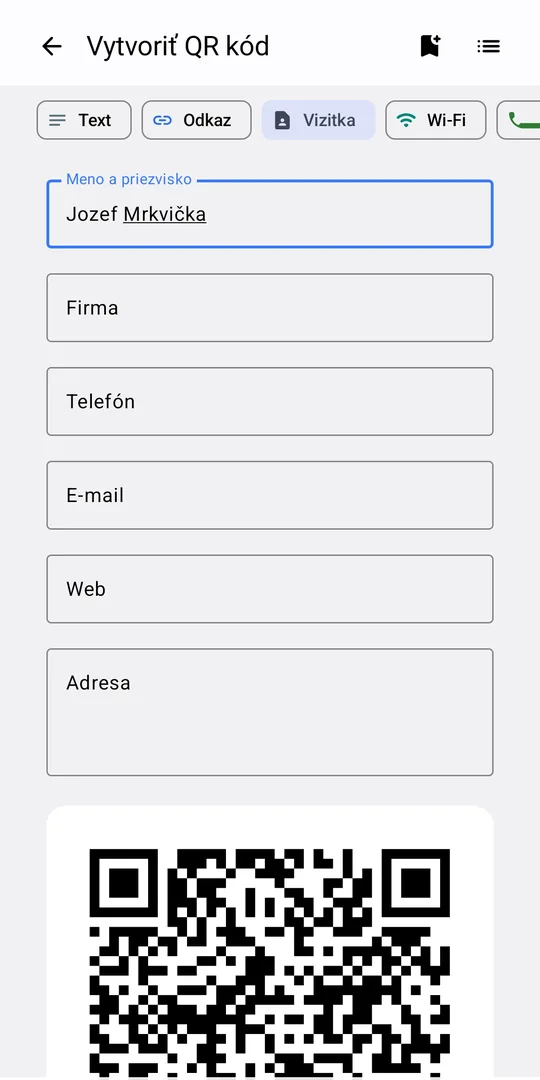
Your own QR codes
Text, link, business card, Wi-Fi, phone, e-mail, SMS and location.
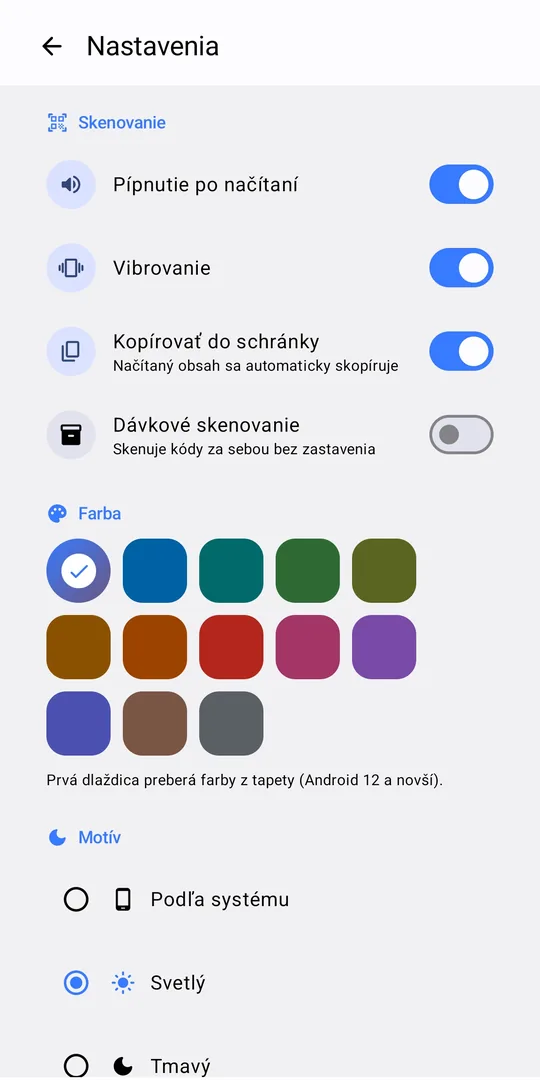
Batch scanning
For stocktaking: it just beeps after each code and keeps going.
From images too
Reads codes from a gallery photo or an image shared from another app.
19 languages
Light and dark theme, 13 colours, language follows your phone.
See where a link really goes
A QR code is a sticker – and stickers can be swapped. That is why the app never shows a link as plain text. It highlights the domain, dims the rest, and asks before opening an address that hides its real destination or imitates a known site with foreign letters.
The check runs entirely on your phone. The address is not sent anywhere.
Screenshots
Your scans belong to you
The app has no account and no server, no ads and no analytics. Everything you scan or create stays on your phone. Privacy policy.
FAQ
Is it really free?
Yes. No ads, no subscription and no paid features.
Does it send anything to the internet?
No. Recognition and link checking run on the phone. Data only leaves it when you tap something like Open or Share yourself.
Why does it need the camera?
To scan. The image is processed on the phone right away and is never stored.
How do I delete the history?
In History, use the menu → Delete all, or swipe away single entries. Uninstalling the app deletes everything.
Which phones does it run on?
Android 8.0 and newer, tablets included.